
 Our offer
Search
Our offer
Search
 Newsletter
Sign in
Newsletter
Sign in
Universal BMW 7 E65 seat occupancy sensor emulator - OCS Tester




Description
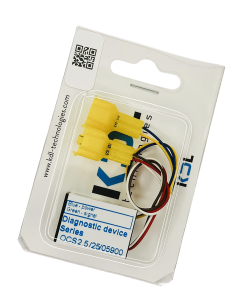
Product: OCS Series Diagnostic Tester - seat occupancy sensor (mat) emulator for BMW 7 Series E65, E66
General information
The device is manufactured in the EU and tested.
The OCS series tester is an easy-to-connect but advanced diagnostic device used to find faults in the SRS system. After connecting to the car's installation, it emulates the operation of a functioning seat occupancy mat and sends information to the airbag controller that an adult is sitting in the seat. In the version with the seat belt buckle tester, the control unit receives information that the seatbelt is fastened.
It is distinguished by its simple construction and uncomplicated assembly but for safety reasons the assembly should be performed by a qualified person with knowledge of SRS systems.
During the purchase you are asked to choose if you need the item for passenger or driver side seat and if there's 2 pin or 4 pin mat connector under the seat on your car. Please do not ignore it - these options are to help you choose the correct item for your car.
Emulator for passenger side seat - information
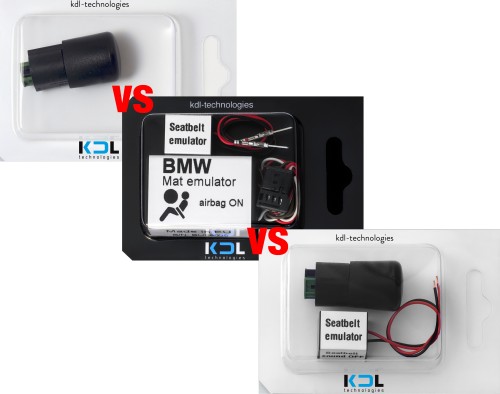
- Mat emulator
There are two types of the seat occupancy sensor on passenger side seat on E65/E66.
2 wired mat (2 pin mat connector) is usually on E65 up to 2004/5 EU version and up to 2003 US version.
3 wired mat (4 pin mat connector) is usually on E65 2005+ EU version and 2003+ US version.
To be sure which mat connector you have, please check it under the seat.
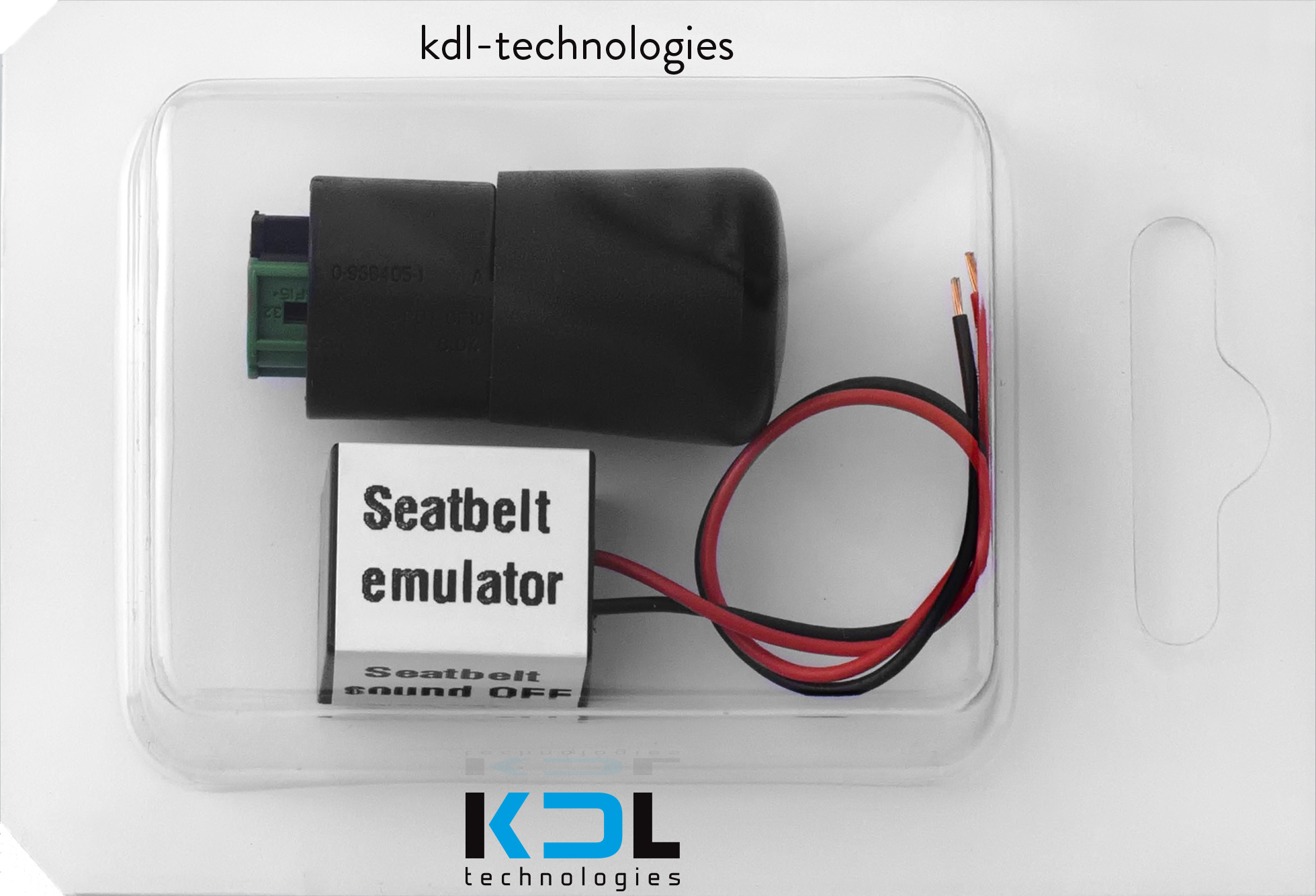
- Seatbelt emulator
After fitting the seat occupancy sensor emulator, a car computer sees the passenger side seat as occupied and asks to fasten seat belt - even if there's no one sitting in the seat. The solution for not driving with seat belt always fastened is connecting the seat belt emulator which turns off the seat belt warning light / sound.
Emulator for driver side seat - information
- Mat emulator
There is usually 2 wired seat occupancy sensor (2 pin mat connector) on driver side seat on every E65/E66 but to be 100% sure it will fit, please check it under the seat.
- Seatbelt emulator
After fitting the seat occupancy sensor emulator, a car computer sees the seat as occupied and asks to fasten seat belt.
We believe you fasten your seatbelt as a driver so the seat belt emulator is not included to the emulators for driver side seats.
Below is a simplified assembly procedure (detailed instructions with a description of the device - links below):
1. Turn off the ignition.
2. Under the passenger seat, find the mat plug, disconnect it and connect the emulator plug in its place.
3. Install the seat belt emulator in place of the seat belt buckle if it was added in a chosen variant.
3. Clear the error using appropriate diagnostic software - the light will disappear if it was on due to a damaged seat mat (only sometimes is it necessary to clear the error).
INSTALLATION INSTRUCTIONS - 2 pin mat emulator - CLICK
INSTALLATION INSTRUCTIONS - 4 pin mat emulator - CLICK
SHIPPING
We're a company from Poland, we ship orders paid till 1:00pm CEST every working day.
If you have questions about the shipping, please contact us.
IMPORTANT INFORMATION
1. To diagnose the fault, you need a reliable diagnostic computer (an external device connected via OBD2).
2. If, after connecting the tester, the SRS fault related to the seat occupancy sensor can be cleared, it means the seat occupancy sensor in the car is damaged. If, after connecting the tester, the SRS fault related to the seat occupancy sensor cannot be cleared, it means the SRS system is faulty, the original seat occupancy sensor is likely functional, and the cause of the problem should be sought in the wiring or the airbag control unit.
3. The emulator will not work if the vehicle’s control unit (ECU) has been replaced or modified by changing settings or coding/programming the sensors.
4. The emulator will not work if an OBD diagnostic scanner shows problems with the SRS/Airbag module (ACSM/MRS module). The seat occupancy mat sensor is connected to the SRS/Airbag module, so if the module is not working, the seat mat will not work either. In most cases, the original mat is not damaged. Fixing the module issue is enough to restore the seat occupancy mat sensor to proper operation.
5. The emulator will not work if the diagnostic scanner shows the following fault codes: 93C1, 93C2, 9C1C, 9C2C, or a fault code whose description reads: “Seat occupancy detection – System could not be enabled”, “Seat occupancy detection – communication problem”, or “Seat occupancy detection – wrong coding”.